How to Build an AI Receptionist for Your Business in 2026

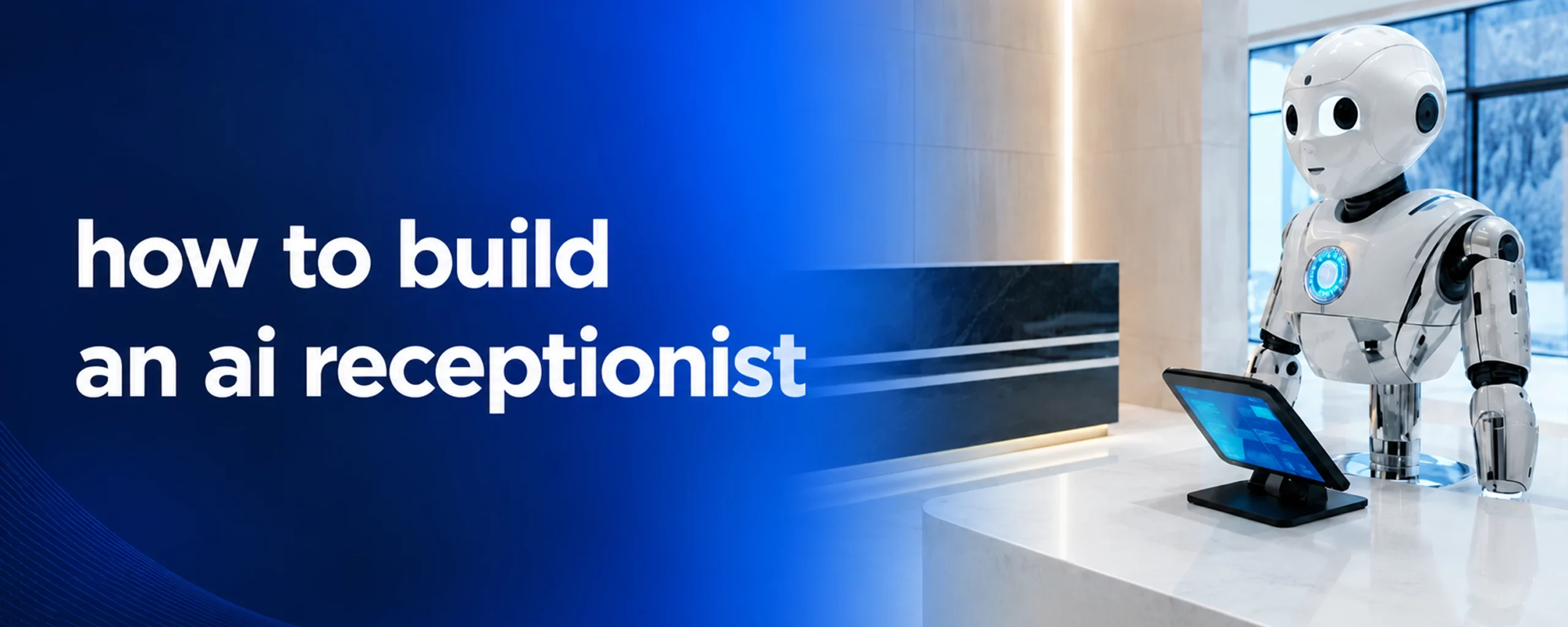
The front desk is often the first impression a business makes – and it is also one of the most resource-intensive functions to staff and maintain. Human receptionists cost $40,000 – $60,000 per year, operate within set hours, and handle one conversation at a time. An AI receptionist changes all of that.
Businesses are moving quickly on this. AI-powered front-desk automation is no longer an enterprise-only capability – mid-market companies across healthcare, legal, professional services, and e-commerce are deploying AI receptionists that handle inbound calls, answer questions, book appointments, and route complex queries to the right person. The question is not whether to build one – it is how to do it right.
What an AI Receptionist Actually Does
Before getting into how to build one, it helps to be precise about what an AI receptionist is responsible for. The role maps closely to a human receptionist but operates across more channels and at a higher volume.
A well-built AI receptionist handles:
- Inbound voice calls with natural, human-like conversation
- Live chat and messaging across web, WhatsApp, SMS, and email
- Appointment scheduling and calendar management
- FAQ resolution using a trained knowledge base
- Lead qualification and intake for professional services
- Smart escalation to a human agent when the query requires it – with full conversation context passed along
The distinction from a basic chatbot is critical. A chatbot follows a script and breaks when the conversation deviates. An AI receptionist uses natural language understanding, intent recognition, and context memory to hold a real conversation – adapting to what the caller or visitor actually says, not just what the bot expected them to say.
The Core Components You Need
Building an AI receptionist requires assembling several technical layers. Each one matters – a gap in any of them creates a broken experience.
1. Voice and chat interface. This is the front end of the system – the interface your customers actually interact with. For voice, you need speech recognition (converting audio to text), a language model that understands and responds, and text-to-speech synthesis that sounds natural. For chat, you need a widget or API that connects to your existing channels (website, WhatsApp, SMS, Slack, Teams).
2. Intent recognition and NLU engine. The AI needs to understand what the caller or visitor actually wants. Intent recognition classifies the request – booking an appointment, asking about pricing, checking a status, requesting a callback – and triggers the right response or workflow. Sentiment analysis sits alongside this, detecting frustration, urgency, or confusion so the system can adjust its tone or escalate faster.
3. Knowledge base and training data. This is where most AI receptionist builds fall short. The system is only as accurate as the data it is trained on. Your knowledge base should include FAQs, product and service information, pricing details, policies, appointment types, and any domain-specific terminology relevant to your industry. The more comprehensive and structured this data is, the more capable the AI becomes.
4. CRM and calendar integration. An AI receptionist that cannot actually do anything is just a chatbot. The real value comes from integrations: booking appointments in your calendar system, logging interactions in your CRM, pulling customer history to personalize the conversation, and updating records after each interaction. Core integrations to plan for include Salesforce, HubSpot, Zendesk, Google Calendar, and your industry-specific practice management or scheduling tools.
5. Escalation and handoff logic. Not every query should be handled autonomously. The AI needs clear rules for when to escalate – based on query complexity, sentiment signals, or explicit customer request – and it needs to hand off the conversation to a human agent with the full context intact. A bad handoff (where the customer has to repeat everything) negates most of the satisfaction gains from the AI interaction.
Step-by-Step: How to Build an AI Receptionist
Step 1 – Define your use cases
Start with the specific tasks your AI receptionist needs to handle. Do not try to automate everything at once. Identify the top 10 – 15 most common inbound interactions – appointment bookings, pricing questions, hours and location queries, service descriptions, escalation to a specific team – and build around those first. This scopes the knowledge base, the intent library, and the integration requirements.
Step 2 – Build and structure your knowledge base
Compile all the information your receptionist needs to know. This includes your FAQs, service catalog, pricing (where applicable), team directory, policies, and any workflows specific to your business. Structure this clearly – the AI performs significantly better with well-organized, specific data than with unstructured documents.
Step 3 – Configure your voice and chat channels
Decide which channels your AI receptionist will cover. Voice is often the highest-priority channel for businesses where phone calls are the primary inbound route (healthcare, legal, home services). Chat covers web and messaging. For most businesses, starting with both voice and web chat simultaneously – with WhatsApp as a third channel – covers the majority of inbound volume.
Step 4 – Integrate with your existing systems
Connect the AI to your CRM and calendar before you go live, not after. Integrations that are bolted on post-deployment create data gaps and workflow breaks. Plan your CRM (Salesforce, HubSpot, Pipedrive, Zoho), support platform (Zendesk, Freshdesk, Intercom), and scheduling system integrations as part of the build, not as an afterthought.
Step 5 – Set escalation rules and human handoff flows
Define exactly when the AI should escalate. Common triggers include: the customer explicitly asks to speak to a human, the AI cannot resolve a query after two attempts, sentiment analysis detects high frustration, or the query type falls outside the defined scope. When escalation fires, the full conversation history and sentiment summary should transfer to the human agent automatically.
Step 6 – Test across scenarios before launch
Run the system through your most common scenarios and your most difficult edge cases. Include real staff members who roleplay as difficult or confused callers. Test what happens when the AI does not know the answer. Test escalation flows end to end. Identify gaps in the knowledge base and fill them before going live.
Step 7 – Monitor, measure, and refine
Post-launch is where the AI receptionist actually improves. Track response accuracy, escalation rates, customer satisfaction scores, and resolution time. Review conversations where the AI failed or escalated unexpectedly – these are direct inputs to knowledge base improvements. Plan a monthly review cycle for the first three months, then quarterly after that.
Where AI Receptionists Deliver the Strongest ROI
Not all businesses see the same return from AI receptionist deployments. The strongest results tend to come from industries where inbound volume is high, queries are repetitive, and the cost of a missed or delayed response is real.
- Healthcare – appointment booking, prescription refill requests, and symptom triage queries are high-volume and well-suited for automation. Hospitals and clinics using AI cut administrative workload by up to 45%.
- Legal – intake calls, case status queries, and appointment scheduling for law firms are repetitive and time-consuming for staff. AI reduces case prep and admin time significantly.
- Professional services – consultancies, accounting firms, and agencies benefit from AI receptionists that qualify inbound leads and book discovery calls without staff involvement.
- E-commerce – order status, return requests, and product questions are the highest-volume support interactions in retail. AI resolves the majority of these without escalation.
How Isometrik Helps You Build It
Isometrik’s Conversational AI platform provides the production-ready infrastructure for building an AI receptionist without starting from scratch.
The platform covers the full stack: voice AI for inbound and outbound calls, omnichannel chat across web, WhatsApp, SMS, Slack, and Teams, advanced intent recognition with sentiment analysis, context-aware conversation memory, and smart human handoff with full context transfer.
Key capabilities relevant to AI receptionist builds:
- Voice-enabled customer support with natural speech recognition and synthesis
- Omnichannel engagement across chat, voice, email, SMS, and messaging platforms
- CRM integrations with Salesforce, HubSpot, Pipedrive, and Zoho out of the box
- Support platform integrations with Zendesk, Intercom, Freshdesk, and Gorgias
- Adaptive conversational flow that adjusts dynamically based on customer responses
- Proactive interaction triggered by customer behavior signals
- Real-time analytics and sentiment dashboards for ongoing optimization
- SOC2 and GDPR compliant infrastructure for regulated industries
Deployment runs on a 12 – 16 week timeline with no-code configuration for standard workflows and custom training on your specific knowledge base and brand voice. The result is an AI receptionist that sounds like your business, knows your services, and handles your inbound volume – without the recurring cost of a full-time hire.
Three deployment models are available depending on your ownership preferences: full source code ownership with deployment on your own infrastructure, a fully managed AI-as-a-service model where Isometrik handles infrastructure and scaling, or a hybrid model that blends owned and managed components.
Conclusion
Building an AI receptionist is no longer a complex, long-horizon project reserved for large enterprises. With the right platform, the core components – voice, chat, intent recognition, CRM integration, and escalation logic – can be assembled and deployed in weeks, not months.
If your inbound volume is straining your team or your after-hours calls are going unanswered, an AI receptionist is the most direct fix available.
Isometrik’s AI platform gives you the infrastructure to deploy one in 12 – 16 weeks – trained on your data, integrated with your systems, and built to deliver measurable ROI within 90 days.
Book a free strategy session with Isometrik to map out what an AI receptionist would look like for your specific business.