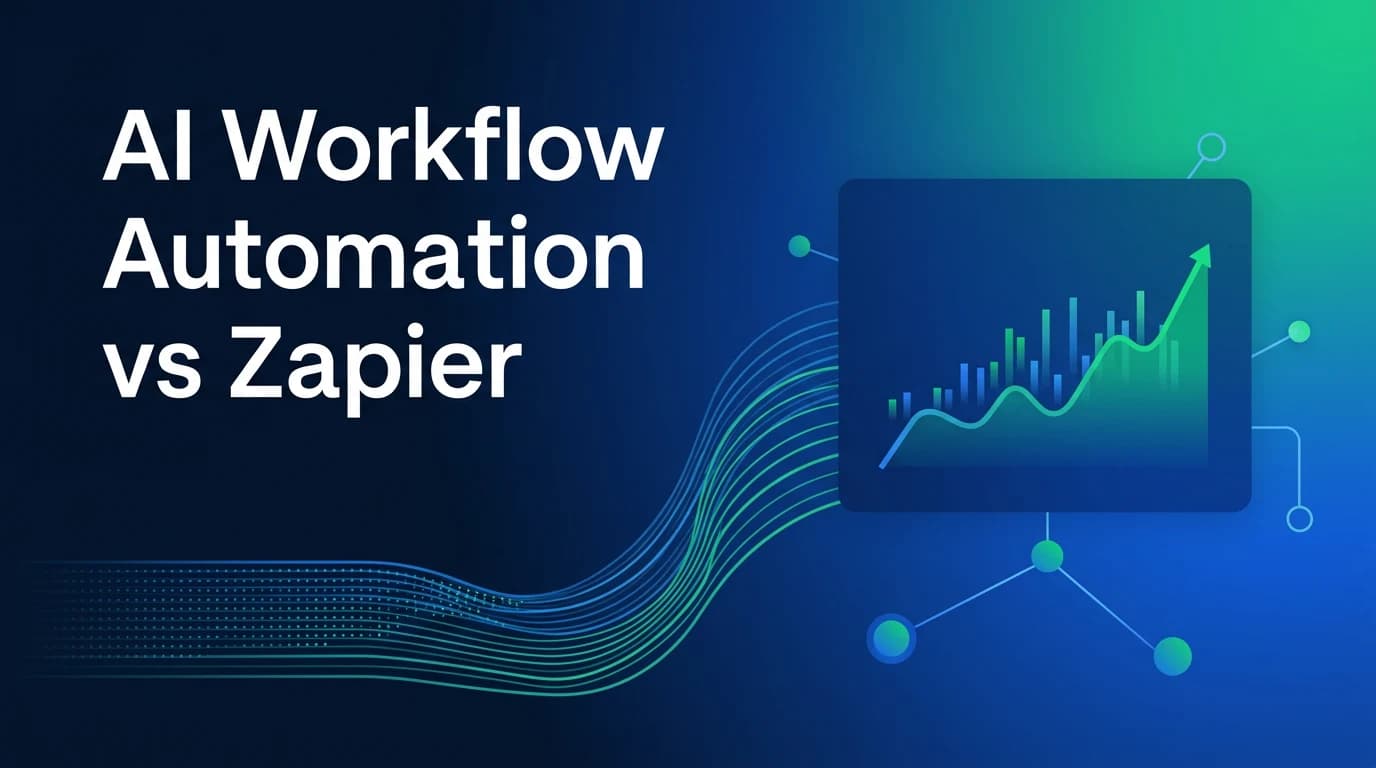
AI Workflow Automation vs Zapier: Which One Fits Your Business?

If you’ve searched “AI workflow automation vs Zapier,” you’re probably stuck between two different ideas of what automation should do. Zapier moves data between apps when a specific trigger fires.
AI workflow automation goes further: it reads context, makes judgment calls, and drafts content on its own. Both save time. They just solve different problems, and picking the wrong one gets expensive fast.
This blog will reveal what each approach actually does, where the real costs hide, and how to choose without guessing.
Zapier in Plain English: What It Actually Does
Zapier is a no-code platform that connects apps like Gmail, Slack, and Google Sheets. You set a trigger, like a new form submission, and Zapier fires off actions automatically. It’s been around since 2011 and now connects over 8,000 apps.
The appeal is speed. You don’t need to write a single line of code to get a working automation live in minutes. That’s why Zapier remains the default starting point for small teams and solo founders.
But Zapier follows rules, not reasoning. It executes “if this, then that” logic exactly as written. It doesn’t interpret intent or handle ambiguity on its own, though its AI-powered add-ons are starting to close that gap.
What AI Workflow Automation Really Means
AI workflow automation uses large language models to understand context, not just move data. Instead of a rigid rule, you give it a goal, like “draft a reply that matches our brand voice,” and it figures out the how. This is the layer where reasoning, summarizing, and decision-making happen.
Think of the difference this way: Zapier notices a new lead came in and logs it. An AI workflow reads the lead’s message, gauges urgency, and drafts a tailored follow-up. One moves information. The other makes a judgment call.
Platforms built for this, including a proper no-code AI agent builder, let non-technical teams design these reasoning-driven flows without hiring developers.
AI Workflow Automation vs Zapier: The Core Difference
Both categories can technically overlap. Zapier has added AI actions, and plenty of AI-native tools include Zapier-style app connectors. But the center of gravity for each is different, and that matters when you’re picking one to build on.
| Factor | Zapier | AI Workflow Automation |
| Primary job | Move data reliably between apps | Interpret context and make decisions |
| Setup | No-code, plain-English prompts | Ranges from no-code to developer-heavy |
| Integrations | 8,000+ pre-built apps | Often API-based, more custom wiring |
| Best for | Repeatable, rule-based tasks | Judgment calls, drafting, multi-step reasoning |
| Scaling cost | Grows with task volume | Depends on platform and model usage |
Neither column is “better” in a vacuum. The right pick depends on whether your bottleneck is connectivity or reasoning.
Where Zapier Still Wins
Zapier’s strength is breadth and simplicity, and for a lot of use cases, that’s exactly what you need. It’s hard to beat for straightforward, high-volume, rule-based work.
- Connecting apps that have no other integration path
- Simple, predictable triggers like form-to-CRM syncing
- Teams with zero technical staff who need something live today
- Low-stakes automations where “close enough” logic is fine
- Quick prototyping before committing to a bigger build
Zapier’s own blog makes a similar point: automation and AI aren’t rivals so much as different tools for different jobs. That’s a fair read, and it’s worth keeping in mind before you rip out a working Zap for something fancier.
Where AI Workflow Automation Pulls Ahead
AI-native automation earns its keep once tasks stop being predictable. Anything involving nuance, tone, or a decision tree with more than a couple of branches tends to strain rule-based tools.
- Drafting customer replies that need to sound human, not templated
- Multi-agent workflows where one step’s output shapes the next decision
- Processes needing self-hosting for data privacy or compliance
- Connecting to niche or internal systems without native integrations
- Summarizing long documents or messy, unstructured data
One small-business breakdown from Cornell Design Group found teams hit a wall with Zapier exactly when their workflows needed judgment instead of just movement. That tracks with what most teams discover once they scale past the basics.
Real Costs: Zapier Pricing vs AI-Native Automation
Pricing is where a lot of the “which one should I use” debate actually gets decided. Zapier’s own pricing page lays out a tiered, task-based model, and it’s worth understanding before you commit.
| Zapier Plan | Price (annual billing) | What You Get |
| Free | $0/month | 100 tasks, 2-step Zaps only |
| Professional | From $19.99/month | 750 tasks, scales up to 2 million |
| Team | From $69/month | 2,000 tasks, up to 25 users |
| Enterprise | Custom | SSO, task pooling, dedicated support |
Here’s the catch on Zapier’s published pricing: every action step in a workflow burns a task, not just the whole automation. A five-step Zap running often will chew through your allotment fast, and AI add-ons like Agents or Chatbots are billed separately on top of your base plan.
AI-native automation platforms typically price around usage, seats, or a flat build fee instead of counting every micro-step. That can make total cost harder to predict upfront, but it also avoids the “success tax” where growth quietly inflates your bill. Either way, run the math against your actual task volume before choosing.
Choosing the Right Fit for Your Team
There’s no universal winner here. The right call depends on your team’s technical comfort, budget, and how much judgment your workflows actually require.
| Your Situation | Better Starting Point |
| Non-technical team, simple app connections | Zapier |
| High task volume, predictable rules | Zapier, watch the task math |
| Need drafting, reasoning, or nuance | AI workflow automation |
| Data privacy or self-hosting requirements | AI-native, self-hosted options |
McKinsey’s research on generative AI’s economic impact points to trillions in productivity gains concentrated in exactly the judgment-heavy tasks Zapier wasn’t built for. That’s the gap AI workflow automation is closing.
A lot of growing teams don’t pick one and stop there. They start with Zapier for simple connections, then layer in reasoning-based automation as their processes mature. If you’re at that stage, our guide to getting started with AI automation tools walks through a practical five-step rollout.
Bottomline: AI Workflow Automation vs Zapier
For teams ready to move past rule-based Zaps entirely, Isometrik’s Agent Studio offers a no-code way to build reasoning-driven workflows without hiring an engineering team. It’s built for the exact moment Zapier starts feeling like a ceiling instead of a launchpad, and it fits naturally alongside our broader look at AI automation tools across industries like e-commerce, healthcare, and legal.
If your workflows are getting complex enough to need multiple coordinated agents, it’s also worth reading up on what a full enterprise AI agent platform looks like before you outgrow your current stack. Whichever path you take, matching the tool to the task, not the hype, is what actually saves time and money.
The AI workflow automation vs Zapier decision isn’t about picking a winner once and being done with it. It’s about matching each tool to the job it’s actually good at, and revisiting that choice as your business grows.